
***NOTE: EZ TMS also offers a suite of 3rd party carrier monitoring/onboarding integrations.
How to Send a Carrier Onboarding Email
You can send a Carrier Onboarding Email when adding a new carrier to your account or from an existing carrier profile within the Details Section of a Load.
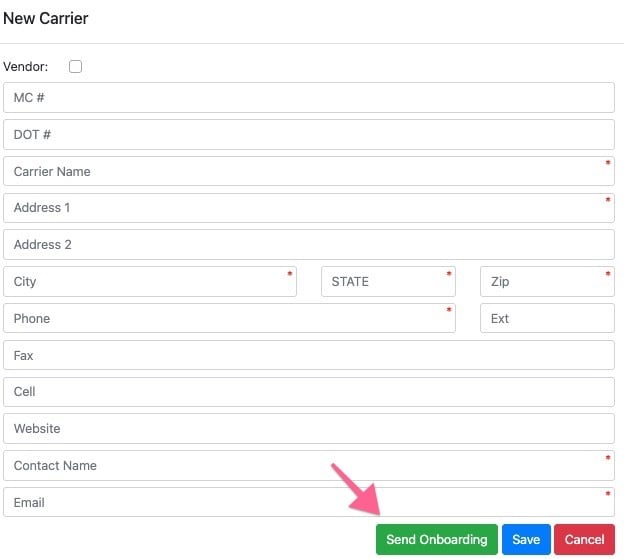
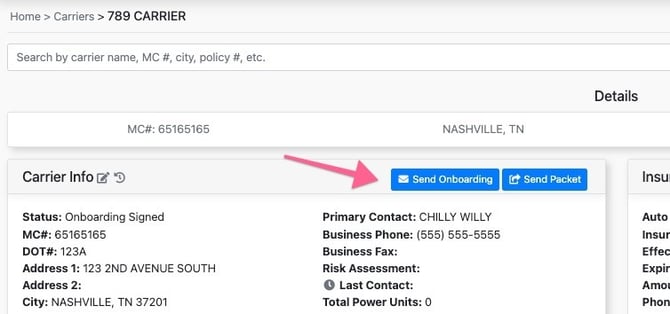
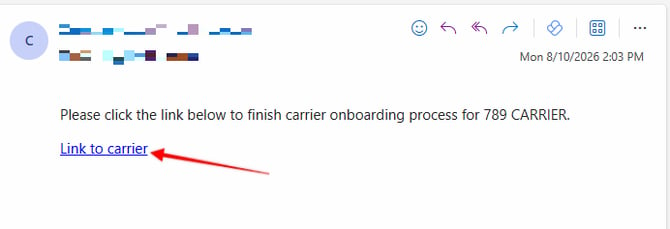
Carrier Onboarding E-mail
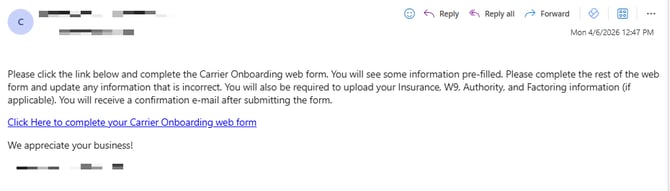
The email recipient will receive the email message below where they will click the link in the message to access their Carrier Onboarding webform.
Understanding The Carrier Onboarding webform
In summary the Carrier Onboarding webform allows the carrier to input their information, review your Carrier Agreement, upload important documents, and provide an E-Signature.
Factoring company article
Pending Carrier Onboarding Notification e-mail
After the Carrier completes the Onboarding web form, the EZ TMS User who originally sent the Carrier Onboarding email to the Carrier will also receive an automated e-mail notifying them that the Carrier has completed their Carrier Onboarding webform.
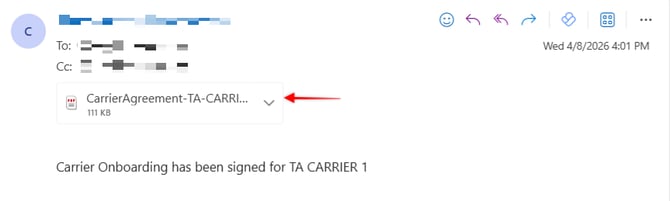
***NOTE - Next you will receive an e-mail with the subject line titled “Pending Carrier Onboarding”l containing a link to the Carrier’s profile, where you must complete any remaining onboarding requirements ex: (Entering Insurance).
To review the Carrier profile and complete the Carrier Onboarding process before assigning a Carrier to a Load, click the link below:
Click Here for Review the Carrier Load Assignment Requirements