
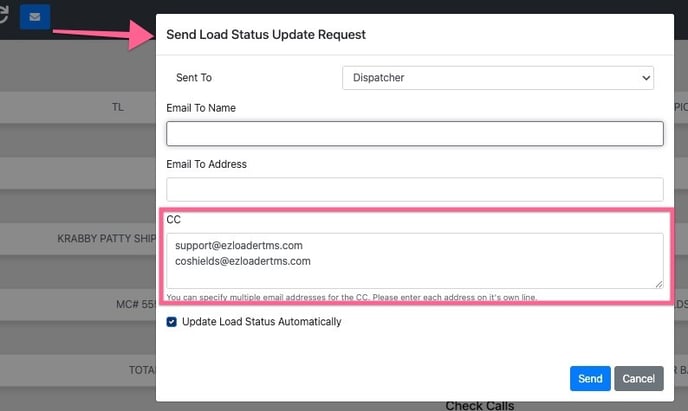
Load Status Update Request Default CC
Any email addresses entered into this field will automatically be copied on a load status update request.
Parade Integration: Auto Schedule Trucker Tools with Digital Booking
When enabled loads booked through the Parade integration will automatically schedule a tracking call to TruckerTools
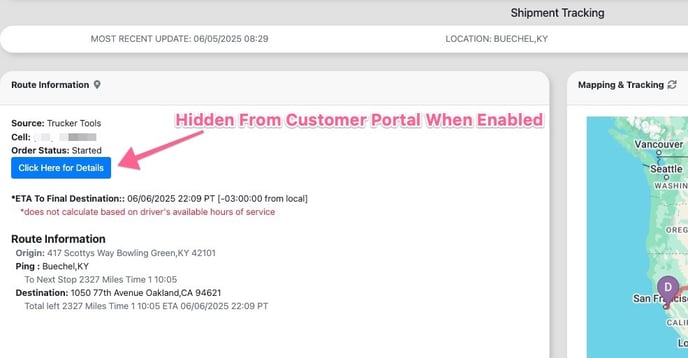
Hide Tracking Link Trucker Tools From Customer Portal
Hides the URL link to TruckerTools site from Customer Portal login users when enabled.
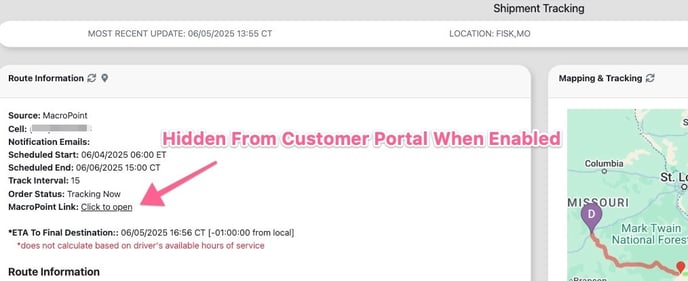
Hide Tracking Link MacroPoint From Customer Portal
Hides the URL link to MacroPoint site from Customer Portal login users when enabled.
Load Tracking Integration: Auto Update Load Statuses
When disabled tracking integrations such as TruckerTools or Macropoint will not automatically update the load status.
Load Tracking Check Call Automation
When disabled tracking integrations such as TruckerTools or Macropoint will not automatically log check calls within the load profile.