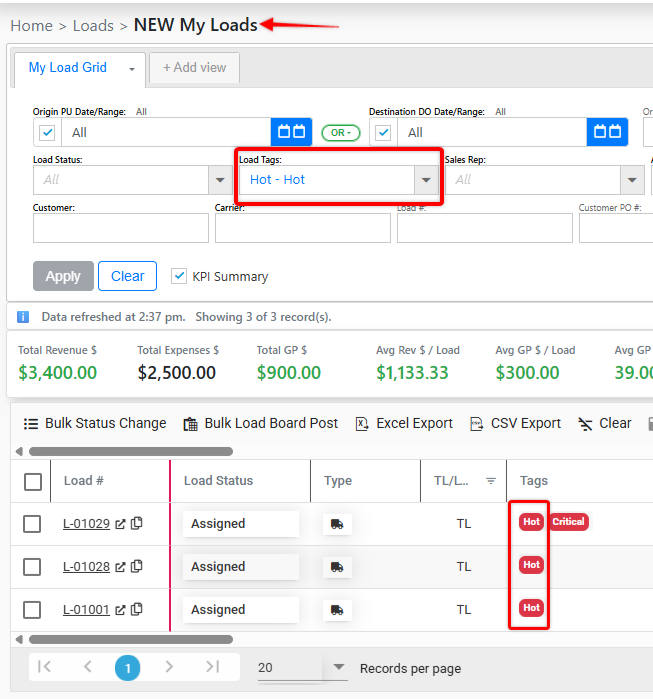
To access the Load Tag Manager navigate to your settings page. Please note this page is restricted to Admin level users.
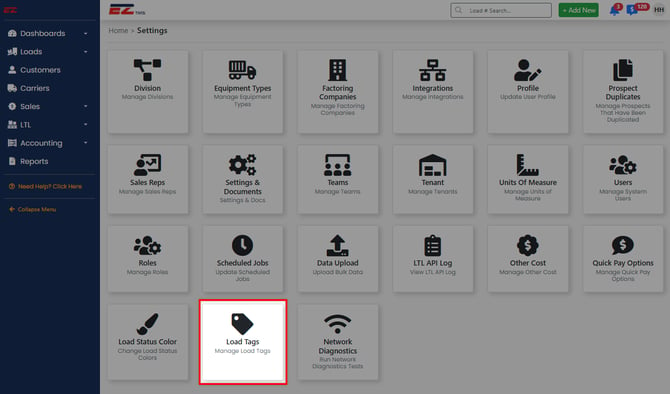
Default Load Tags
The system starts with standardized set of default Load Tags but any tag can be edited or removed.
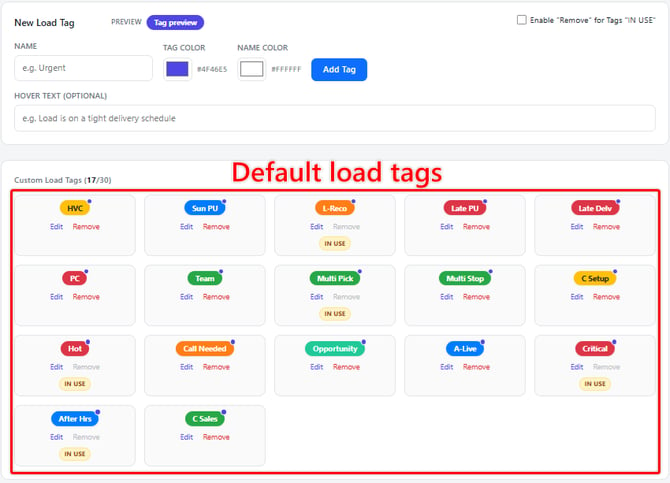
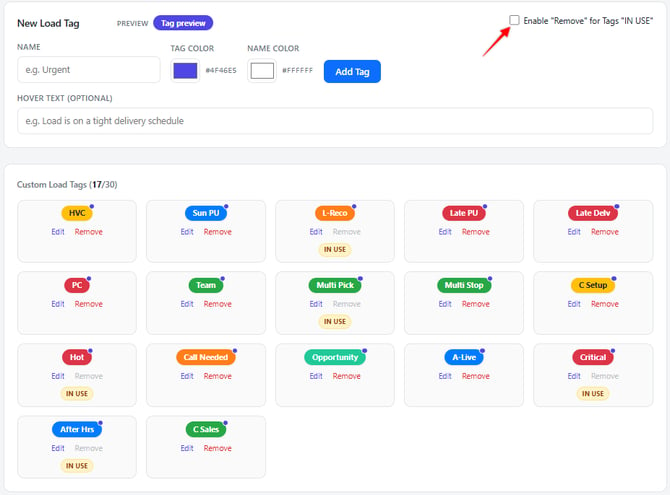
Adding a New Tag
When creating a new tag, Administrators can configure the following:
- Tag name
- Tag color
- Text color inside the tag
- Optional hover message
If a hover message is added, it will appear when a user hovers over the tag.
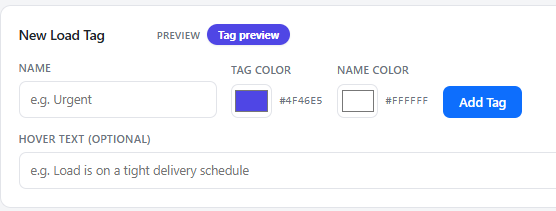
Editing/Removing Tags
Tags can be edited or removed from the Load Tags page. However, tags that are currently in use are protected by default.
To remove tags that are in use, you must enable the "Remove" for tags "IN USE" option located in the top-right corner of the Load Tags page within Settings.
It is important to note editing/removing a tag that is in use will impact that tag on all existing loads.
Searching for Loads utilizing a specific Tag
To find loads with specific tags, use either of the following areas:
- Load pipelines
- NEW My Loads page
These views allow users to identify and filter loads based on the tags assigned to them.