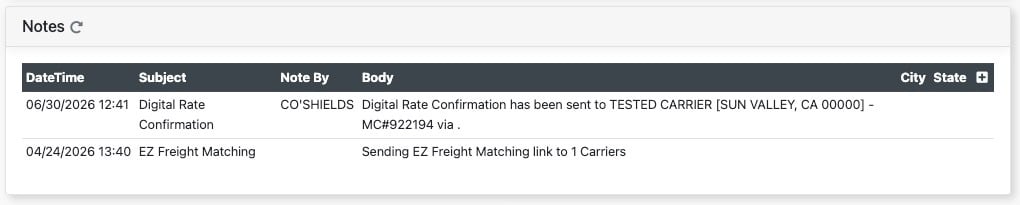
Details Section: Contains that majority of your lane details as well as the notes section
Origin Card/Destination Card - Contains stop information and several notes that appear on documents such as rate confirmations.
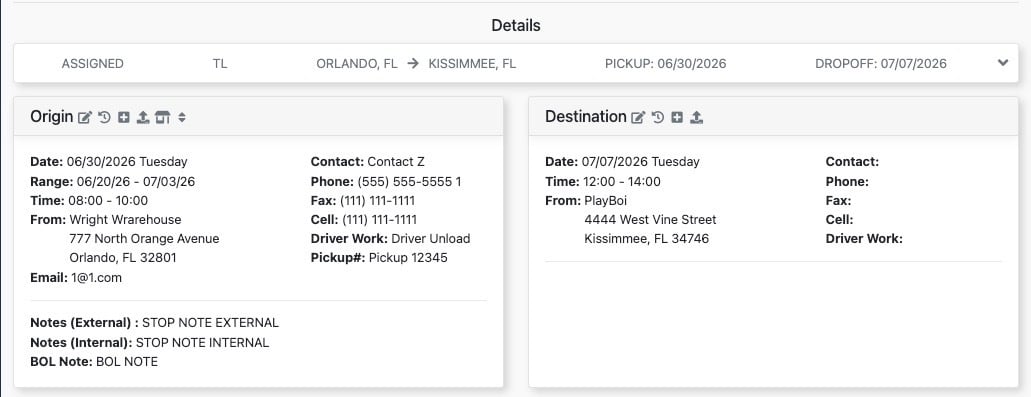
Action Icons:
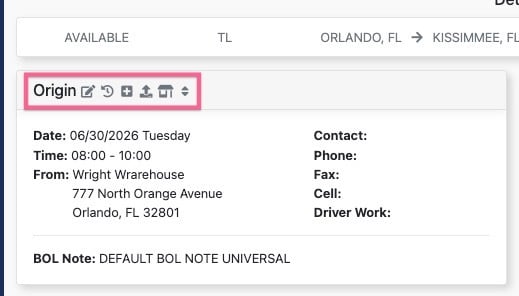
Edit - Edit fields within card
History - Show change log history
Add to Customer Locations - Saves stop location details to customer saved locations
Update From Customer Locations - Update the stop details from a saved location record in the customer profile
Add Stop - Adds an additional stop card
Resequence Stop - Allows you to reorder your stop sequence on multi stop loads
Status Card - Contains the load status as well as reference numbers.
Action Icons:
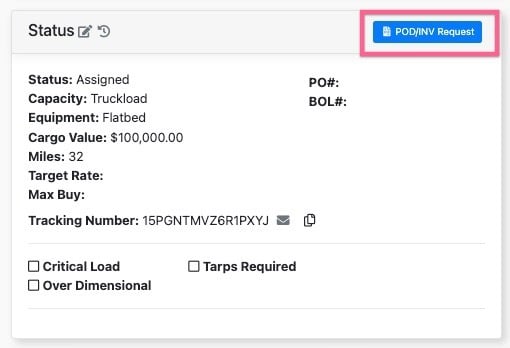
Pod/Inv Request - Sends and email to your designated recipient with a link to the POD/INV Request Webform.
!!!!!CLICK HERE FOR HELP ARTICLE ON POD/INV REQUEST FORM!!!!!!
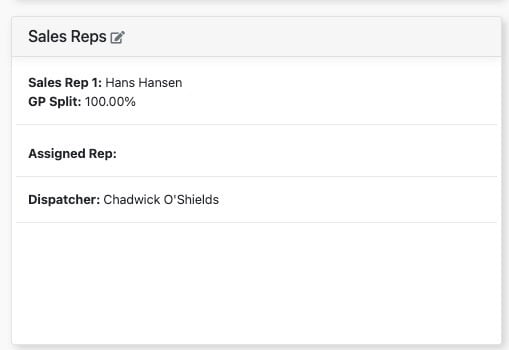
Sales Reps Card - This card list the personnel/users associated with the load in varies roles.
Items Card - Add or remove the items for the load.

Notes Card - Contains a number of manually entered load notes as well as system event notes.