Customer Profile
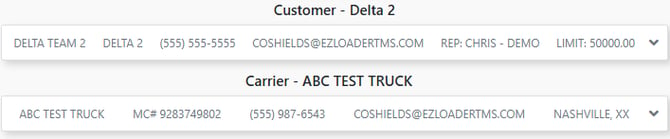
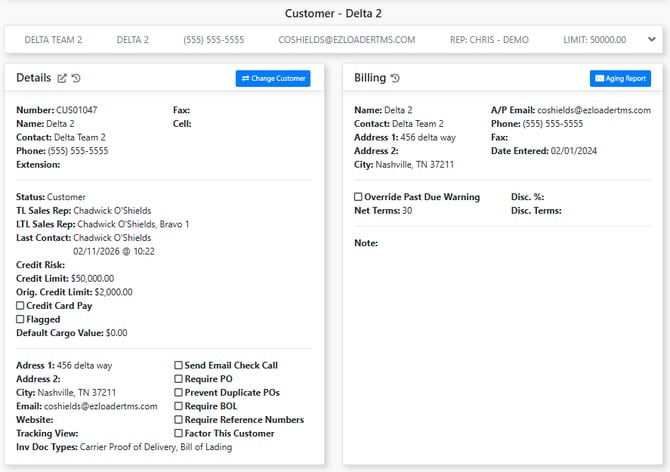
The customer section has basic quick view information about the customer attached to the load. To go to the customer profile, click the "Open in New Tab" [ ] button in the details card.
Carrier Profile
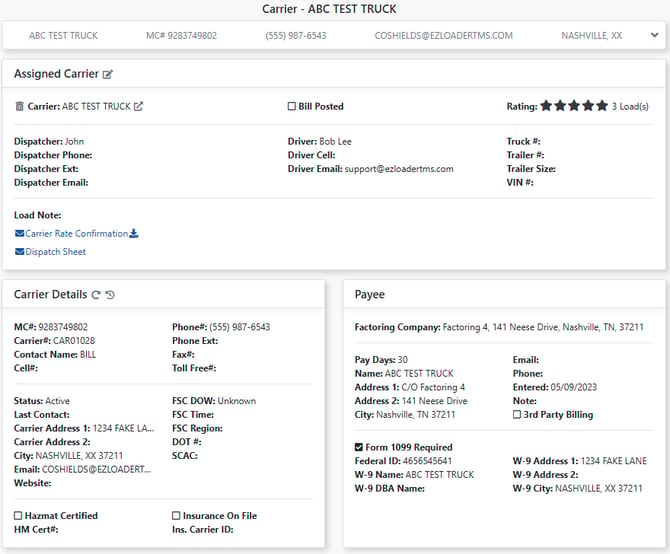
The carrier section has basic quick view information about the carrier assigned to the load (). To go to the carrier profile, click the "Open in New Tab" [ ] button in the details card.
To remove a carrier from the load, click the trash can icon next to their name.