
Creating a team
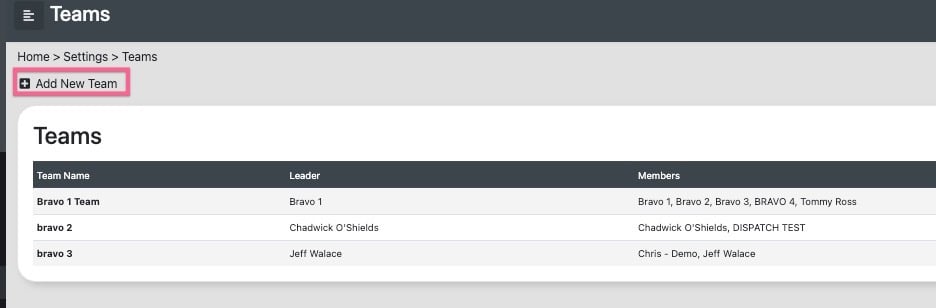
Users with the necessary permissions can navigate to the teams page via the settings menu. On this page, click the "+ add new team" icon to create a new team by entering its name and selecting its members.
Team Dashboard
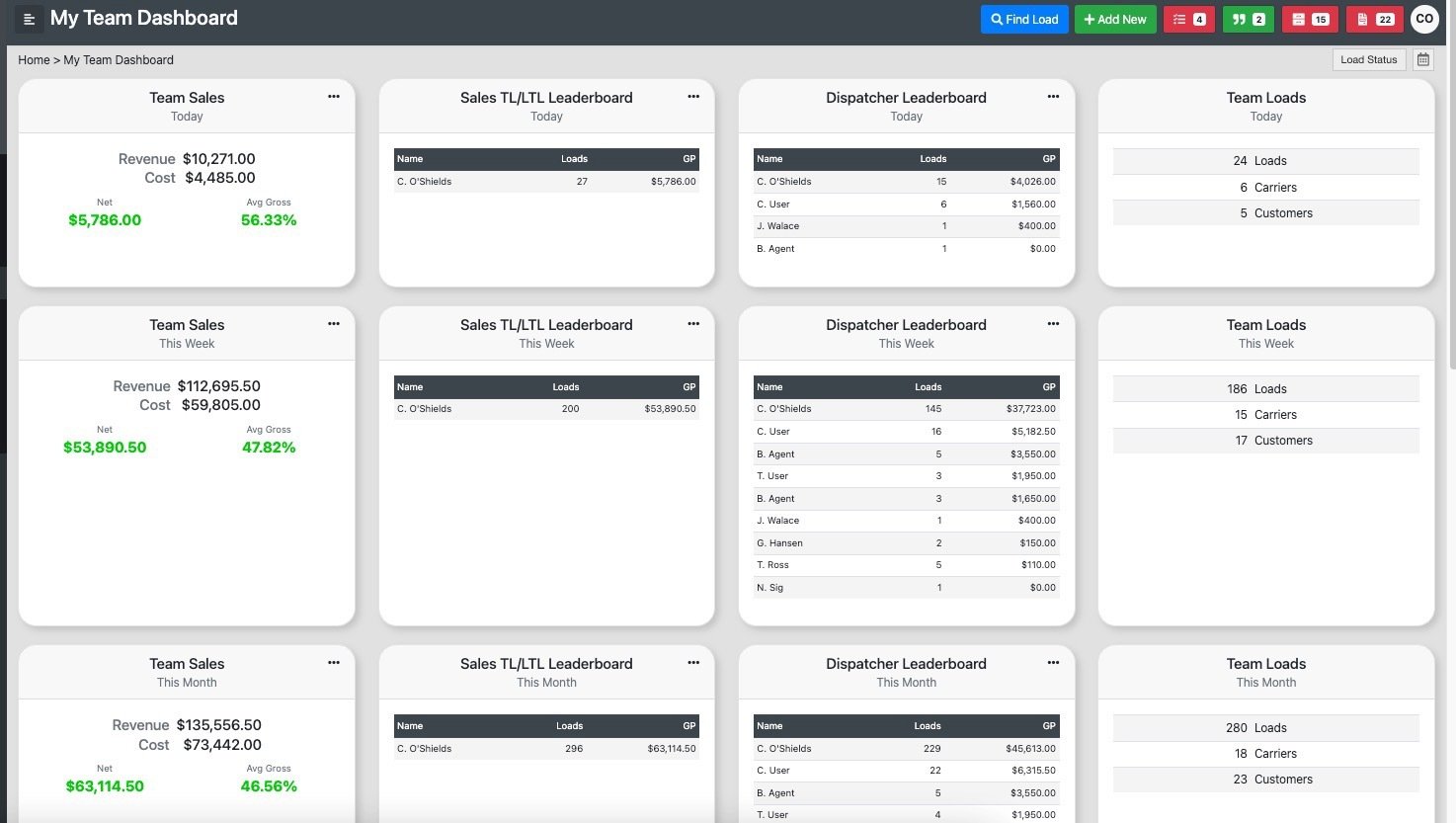
Once a user has been added to a team they will automatically receive a team dashboard displaying a number of different metrics across the members of their team.
User Permission - Broker Team Only
When all users are assigned to the same team and granted "Broker-Team Only" permission levels, they will be limited to accessing load and customer profiles that are assigned to either themselves or other members of their team.
For more information on agent permissions click here