
Sending a Digital Customer Rate Confirmation
Within a load profile, navigate to the Documents sections and select the [Send Customer Rate Confirmation] button to launch the "Customer Rate Confirmation Send Window"
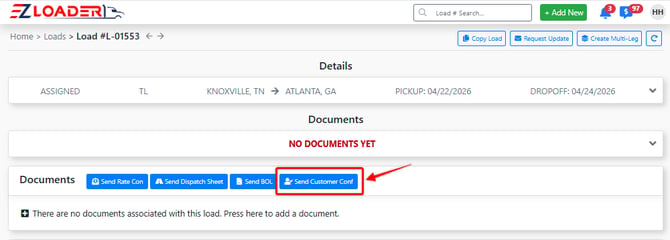
In the Send window, you must enter an email-to name and an email-to address before clicking [Send].
Selecting the blue [Send] button will email the following message to the address entered in the "Email-to Address" field within the Customer Rate Confirmation send window.
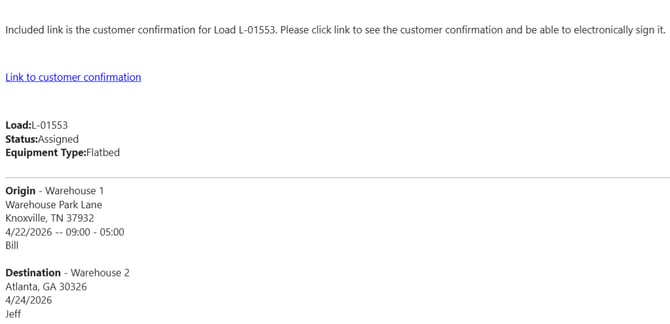
When the recipient clicks the "Link to Customer Confirmation" hyperlink within the email message, they will be directed into the digital rate confirmation web form. Here they can review the applicable information and digitally sign the confirmation.
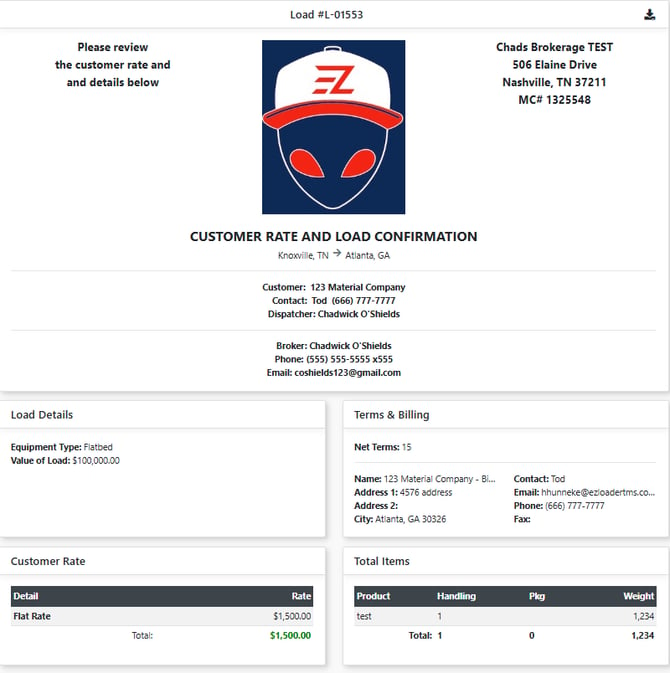
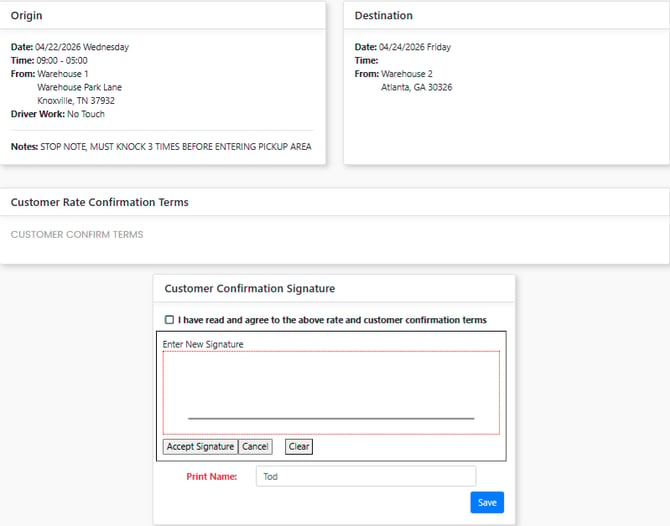
Once the rate confirmation is signed, 3 actions happen:
- PDF signed copy is sent to Customer
- PDF signed copy is sent to you (sender)
- PDF signed copy is saved in LOAD PAGE > DOCUMENTS